
Azure Speech Guide
Azure 语音服务申请指南
全球 Azure 步骤
southeastasiaportal.azure.comAzure China
chinanorth3portal.azure.cn全球 Azure
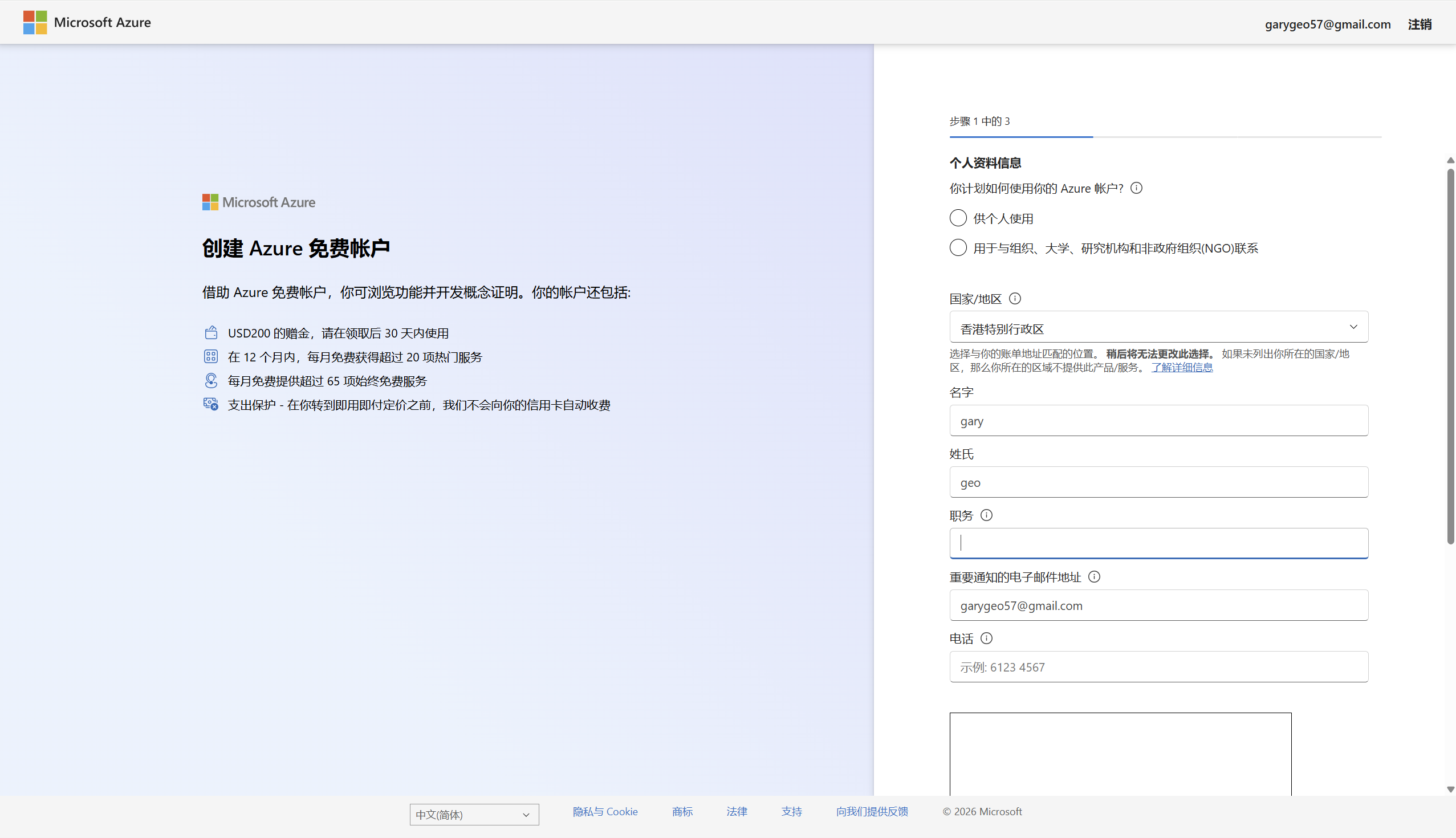
创建或登录 Azure 账户
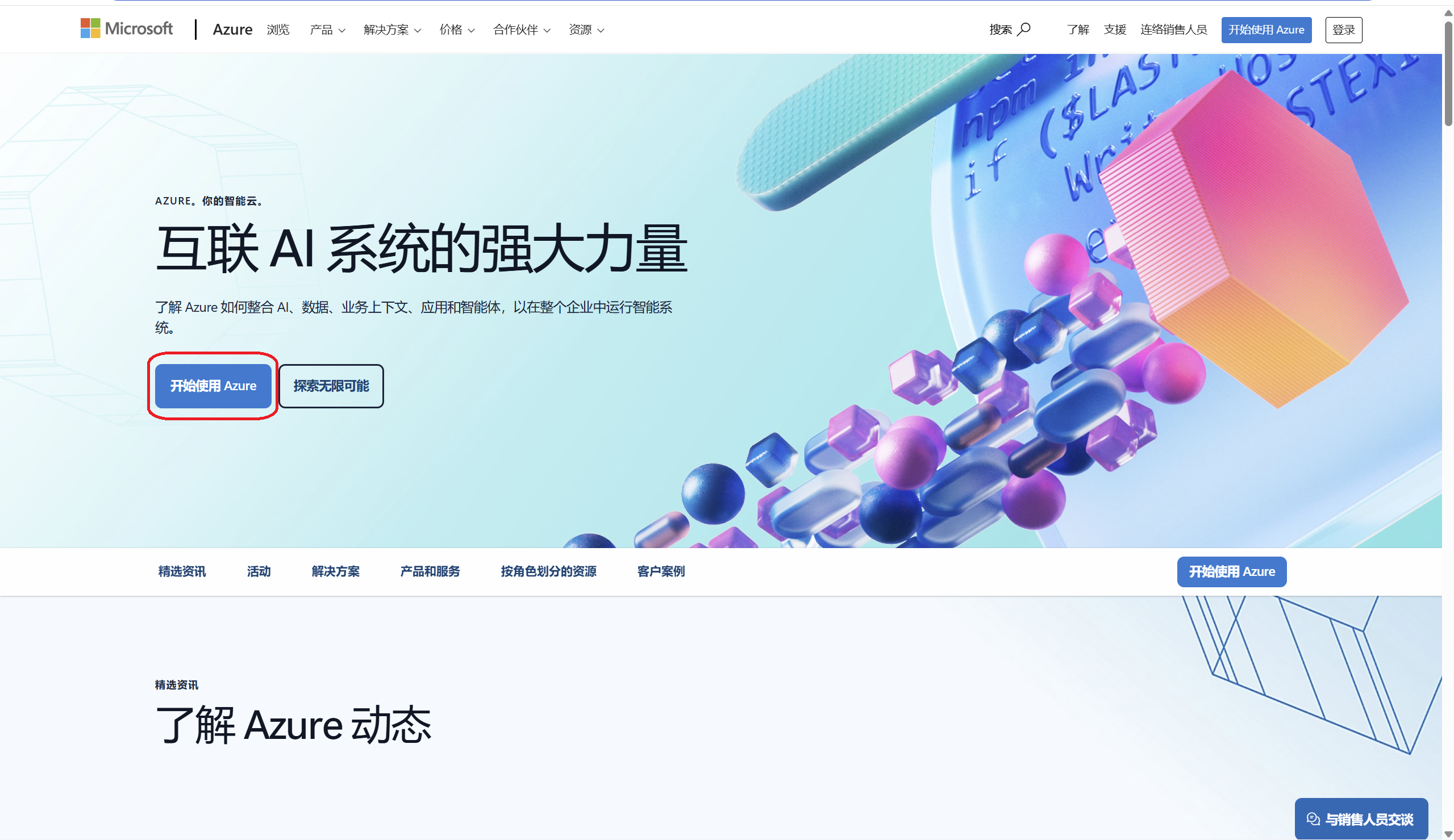
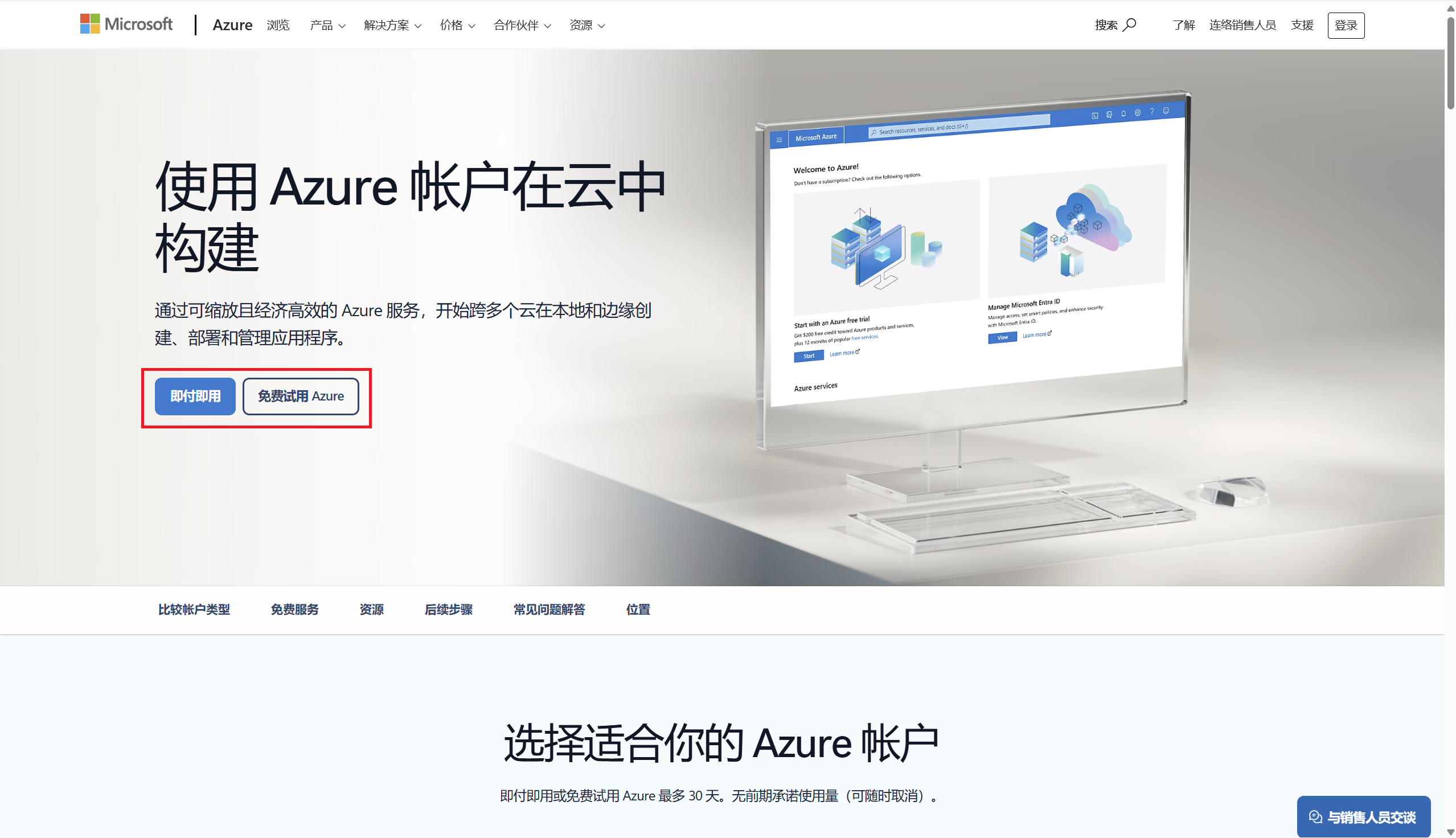
打开Azure Global,选择免费账户或即用即付账户。新用户通常需要完成手机和支付方式验证。
https://azure.microsoft.com/zh-cn
创建 Speech 资源
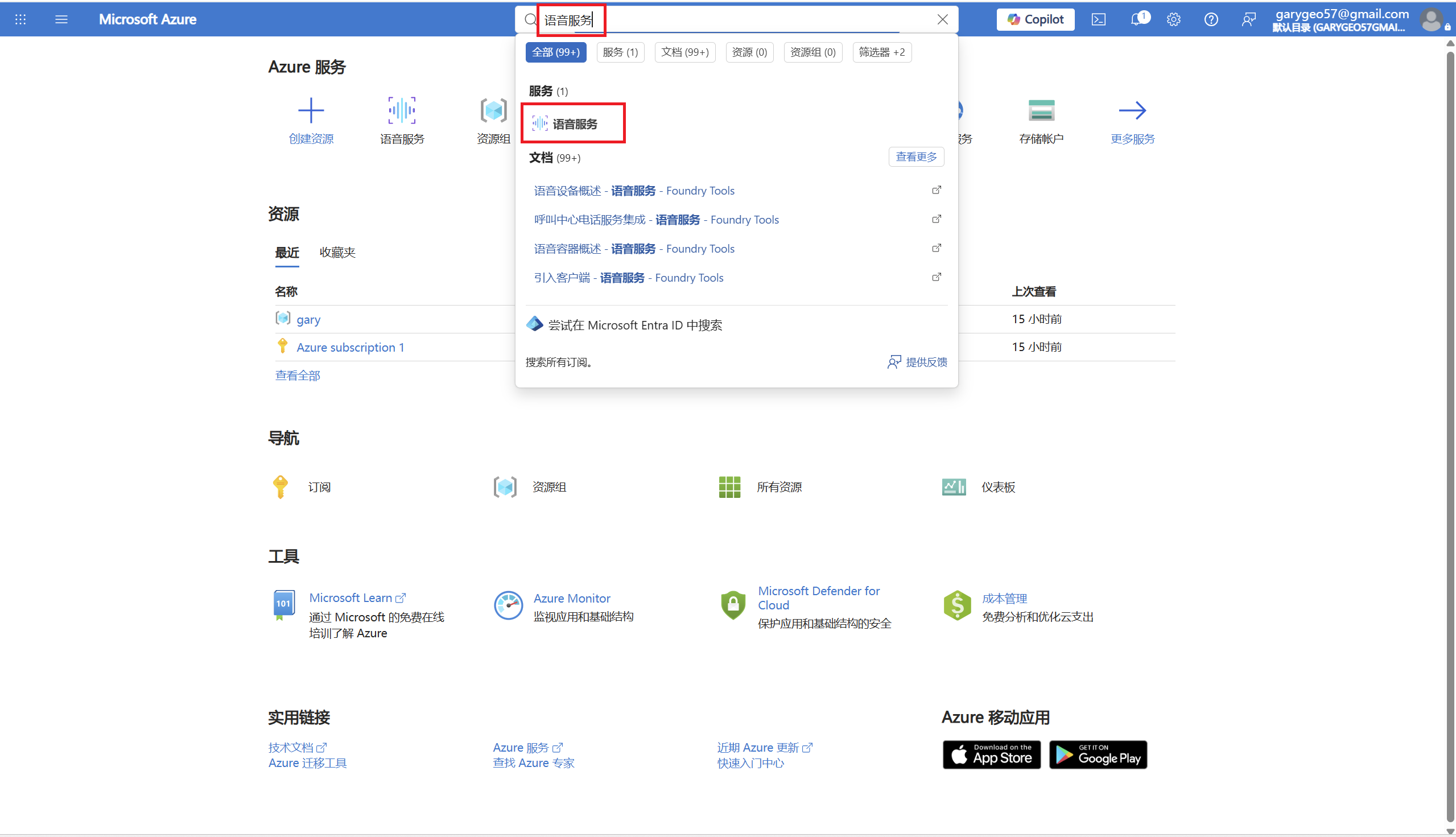
进入 Azure Portal,搜索 Speech service 或 语音服务,创建一个语音资源。
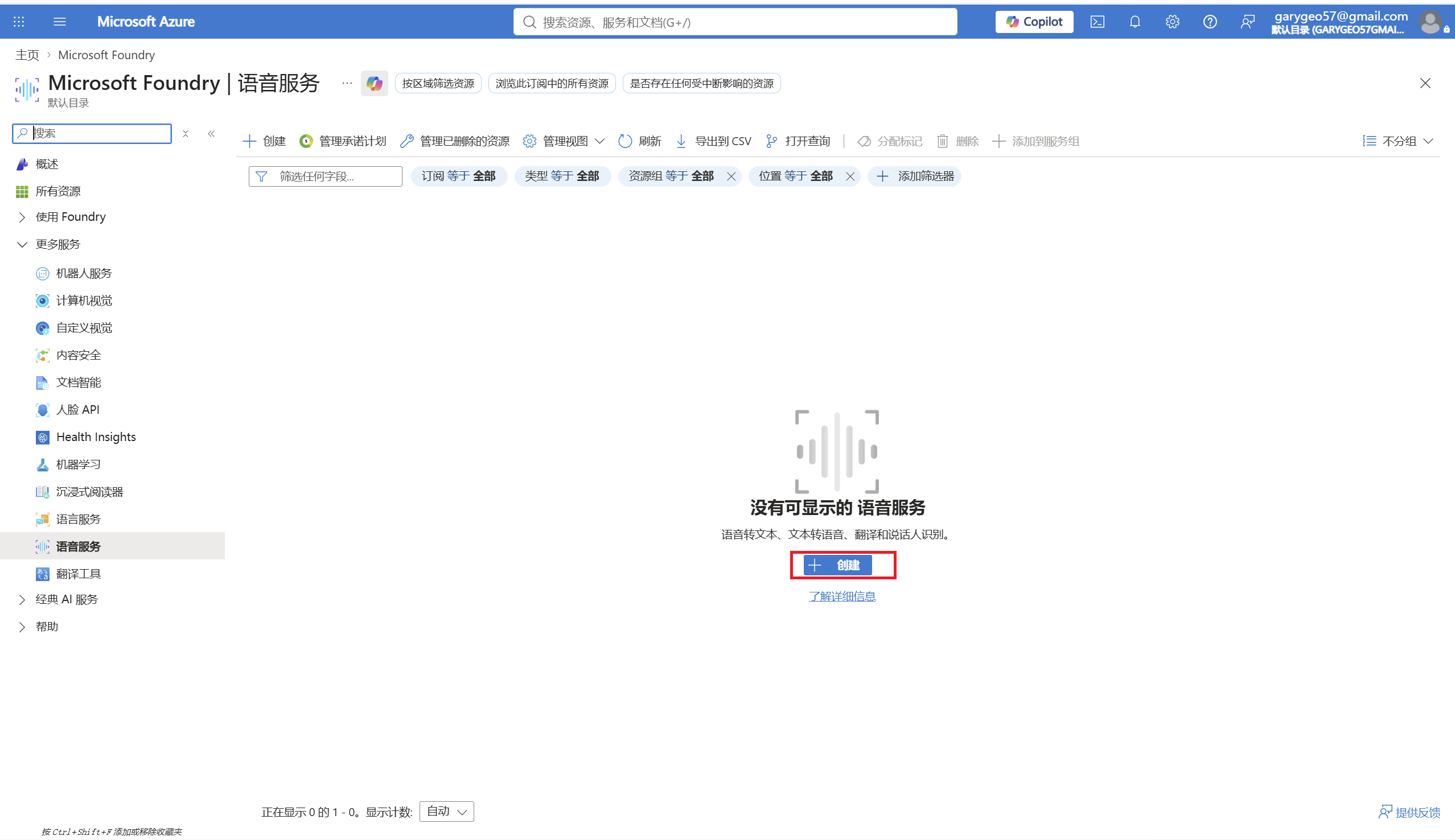
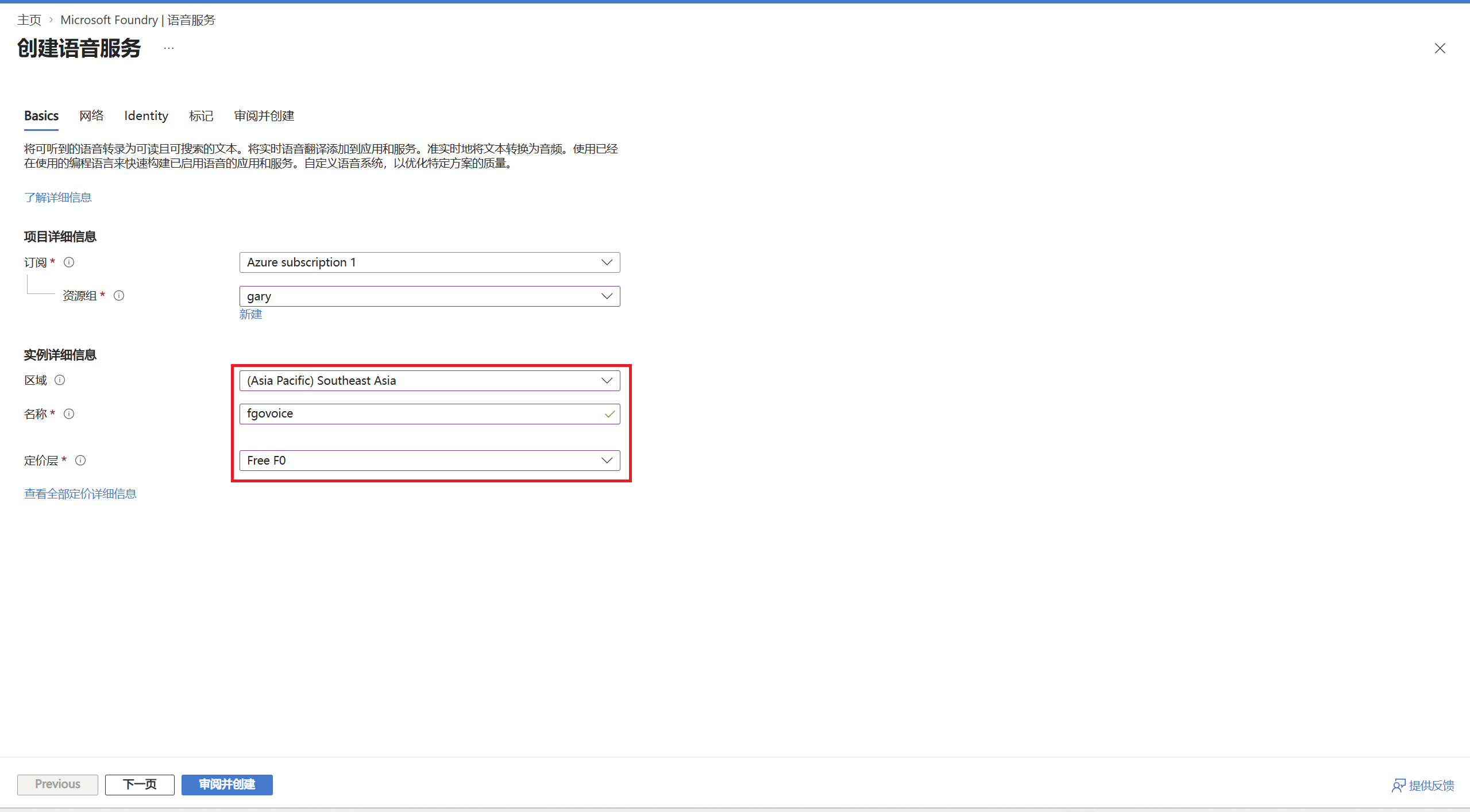
填写资源清单
使用 Southeast Asia。
southeastasiaFree FO层每月包含50万字符的神经语音额度。
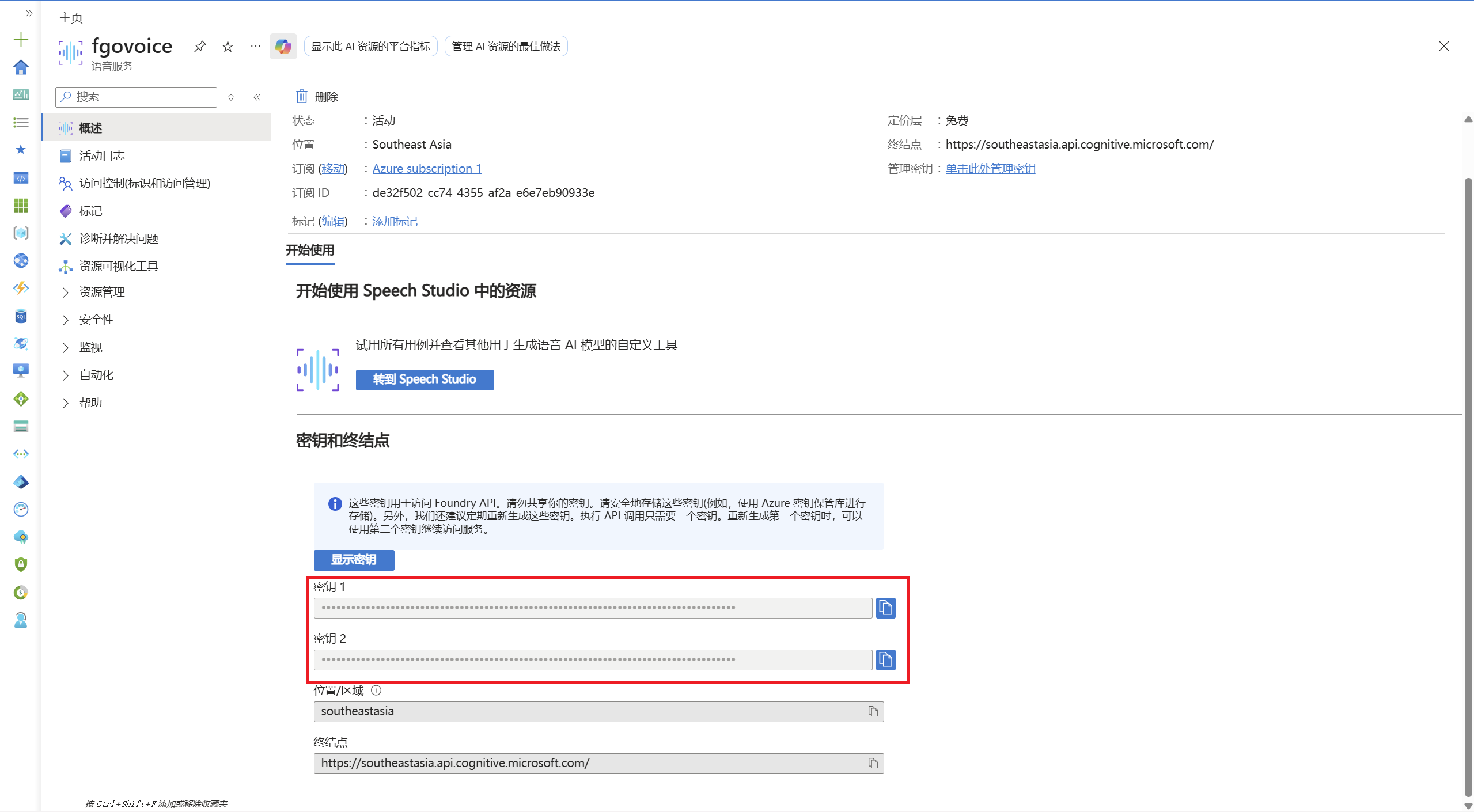
复制 Key
资源创建完成后,进入资源页面的 Keys and Endpoint,复制 KEY 1 或 KEY 2。
填入 FgoGotran
打开 FgoGotran 设置页,进入语音设置,区域选择全球 Azure,粘贴 Azure Speech Key。
全球 Azure / southeastasia测试语音
点击测试语音。正常情况下会播放玛修测试台词,代表 Key、区域和 Azure TTS 都可用。
瑪修・基列萊特,在此。御主……戰鬥準備完成,請下達指示。中国 Azure 说明
Azure China 和全球 Azure 不是同一个入口,Key、区域和接口域名也不同。
如果页面提示不能用个人账号登录,请改用组织、工作或学校账号,或回到 FgoGotran 使用全球 Azure 的 southeastasia。
入口
Azure China 使用独立门户。
https://portal.azure.cn/App 区域
如果你的 Speech 资源建在 China North 3,FgoGotran 中选择中国 Azure。
chinanorth3常见问题
测试语音失败时,可以先按这里排查。
测试提示 Key 为空
还没有填写 Azure Speech Key,或填写后没有保存。
401 / 403 / authentication failed
通常是 Key 和区域不匹配,或把全球 Azure 的 Key 用到了 Azure China 区域。
中国大陆用户连接慢
先测试全球 Azure 的 southeastasia。如果账号属于 Azure China,再测试 chinanorth3。
免费额度用完
等下个月额度刷新,或按 Azure 价格页和自己的预算决定是否继续使用付费层。
官方来源
Azure 的免费额度、入口和支持区域可能变化,发布前建议再打开官方页面确认。