

Azure Speech Guide
Azure Voice Service Setup Guide
Global Azure steps
southeastasiaportal.azure.comAzure China
chinanorth3portal.azure.cnGlobal Azure
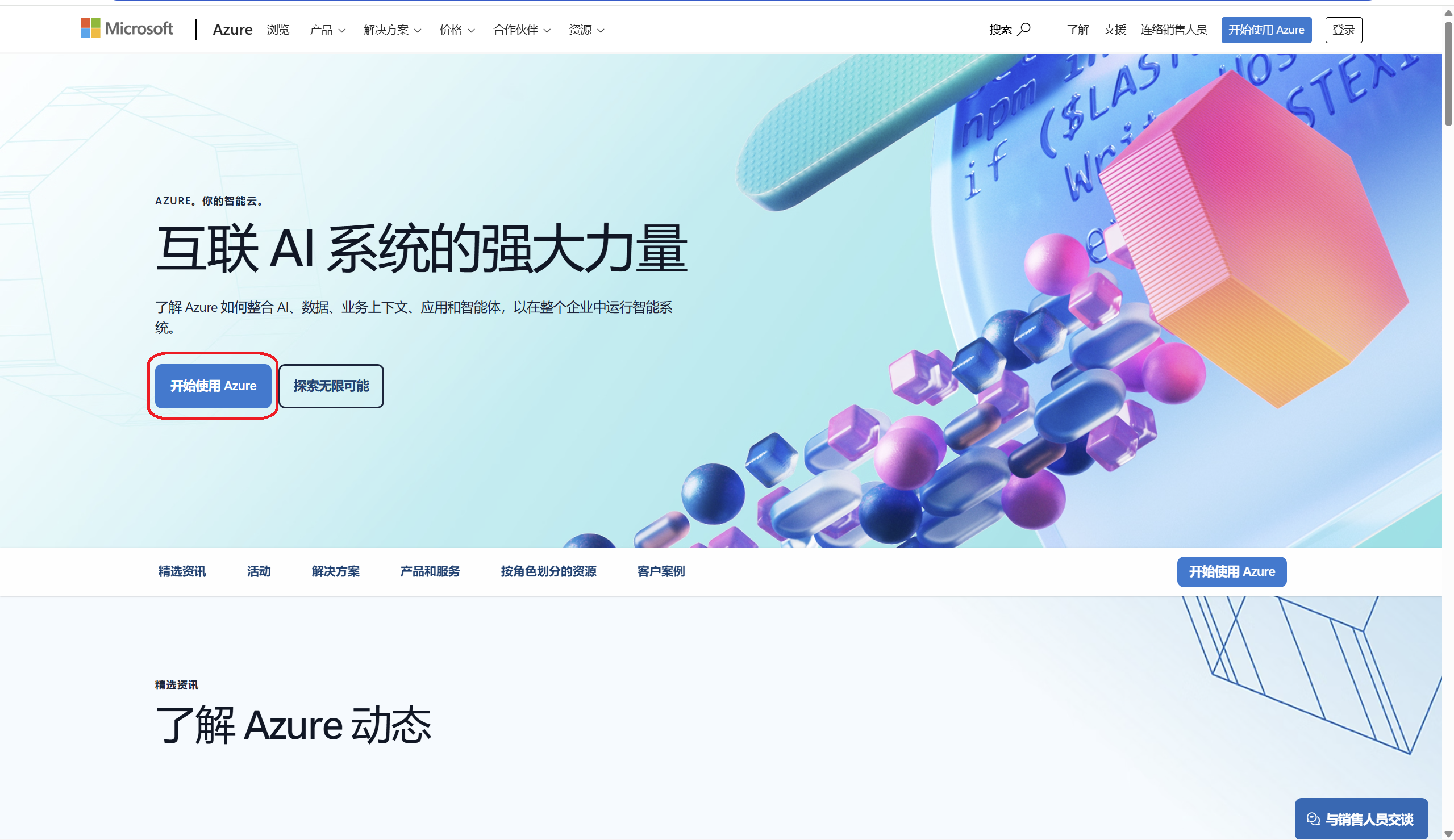
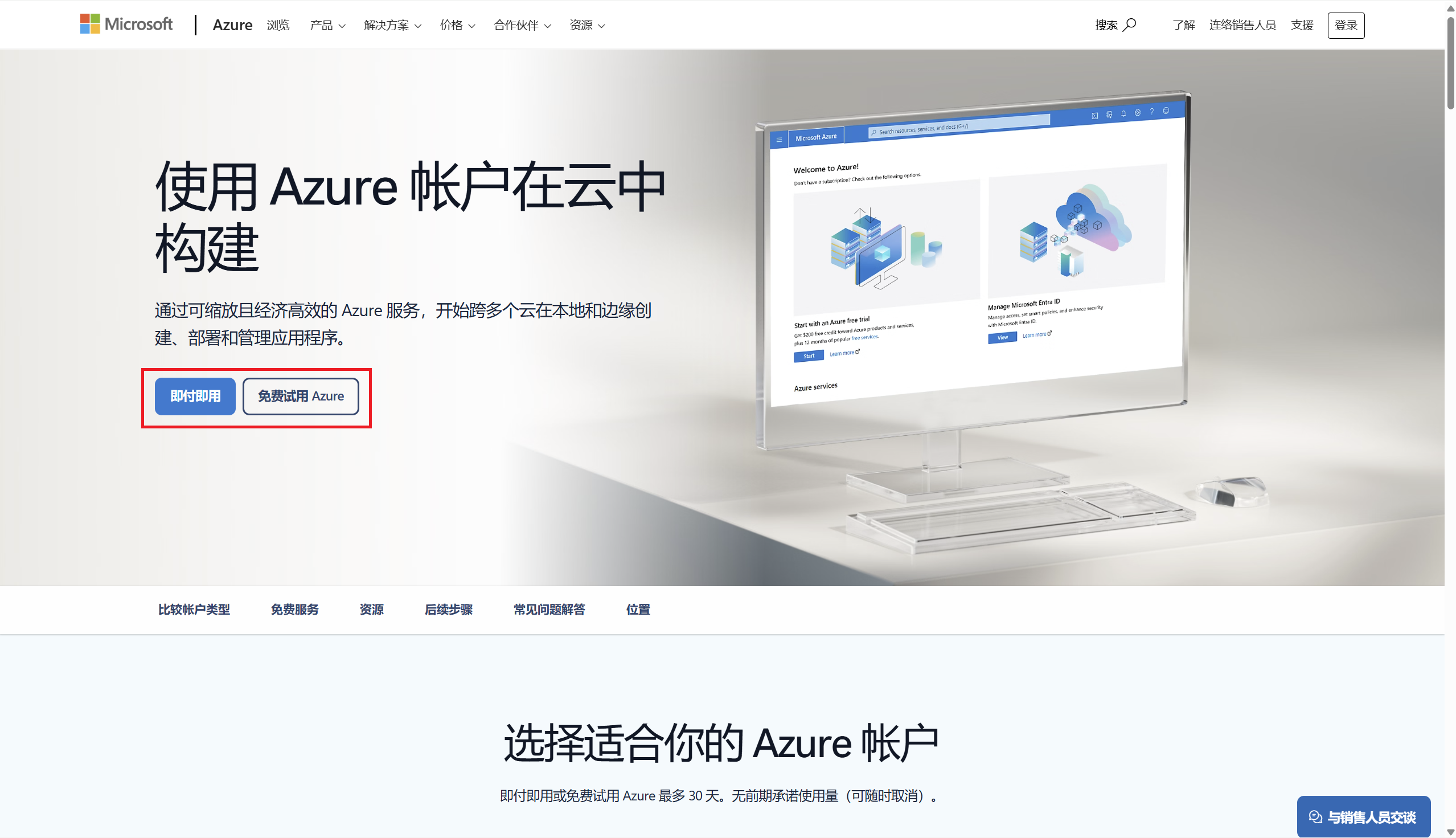
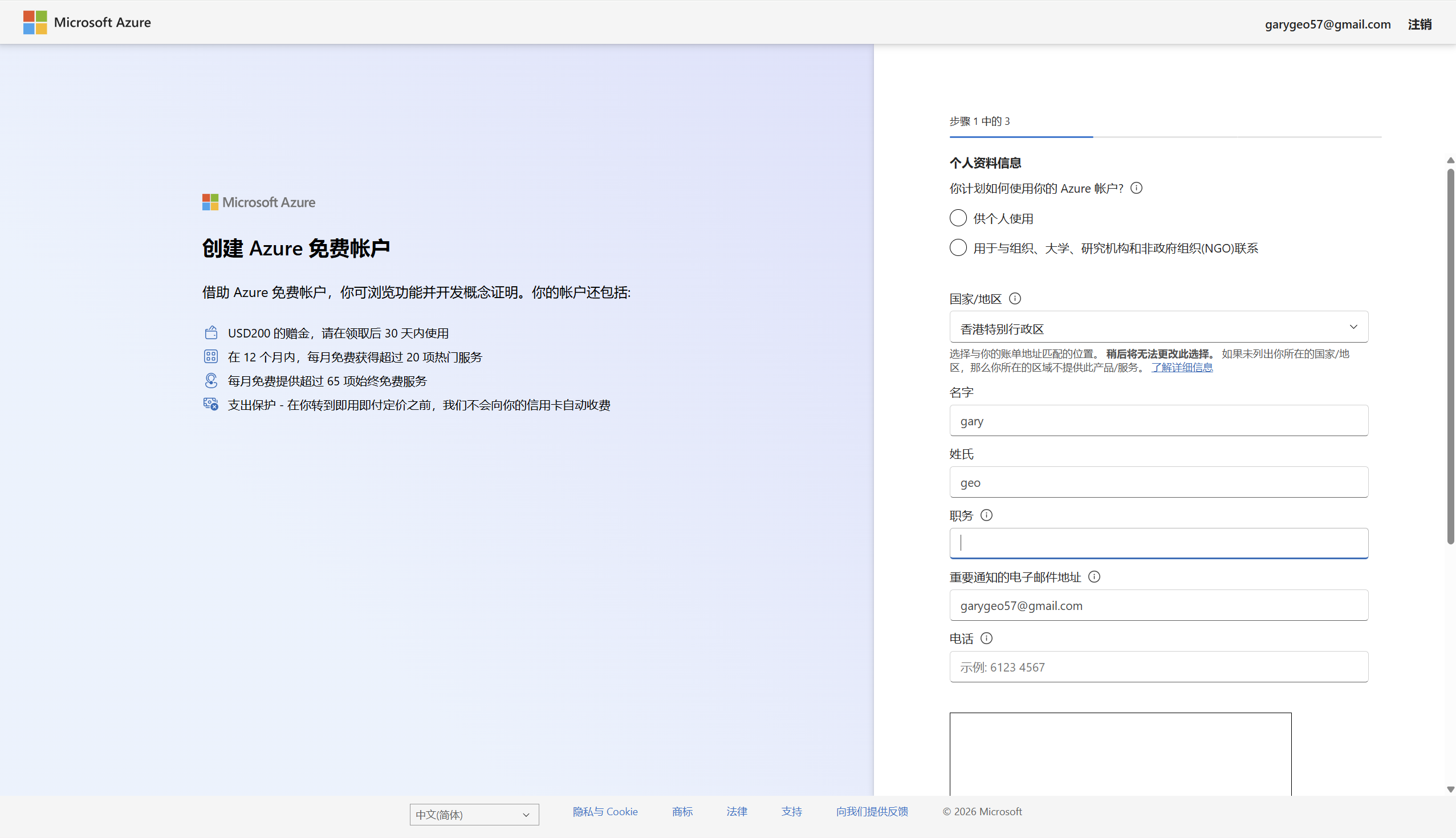
Create or sign in to an Azure account
Open Azure Global and choose a free account or a pay-as-you-go account. New users usually need to verify a phone number and a payment method.
https://azure.microsoft.com/en-us
Create a Speech resource
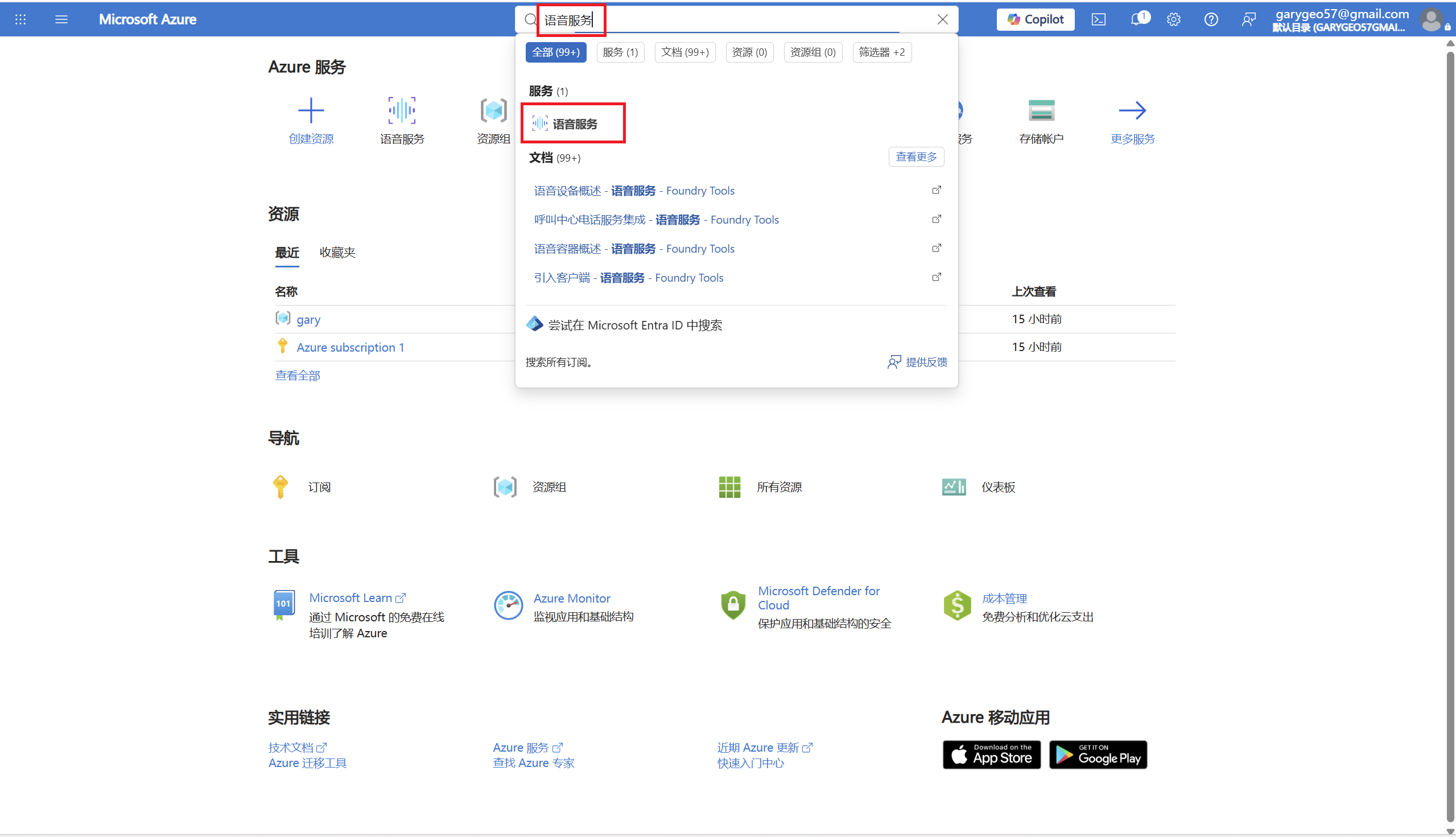
In the Azure Portal, search for Speech service or 语音服务 and create a speech resource.
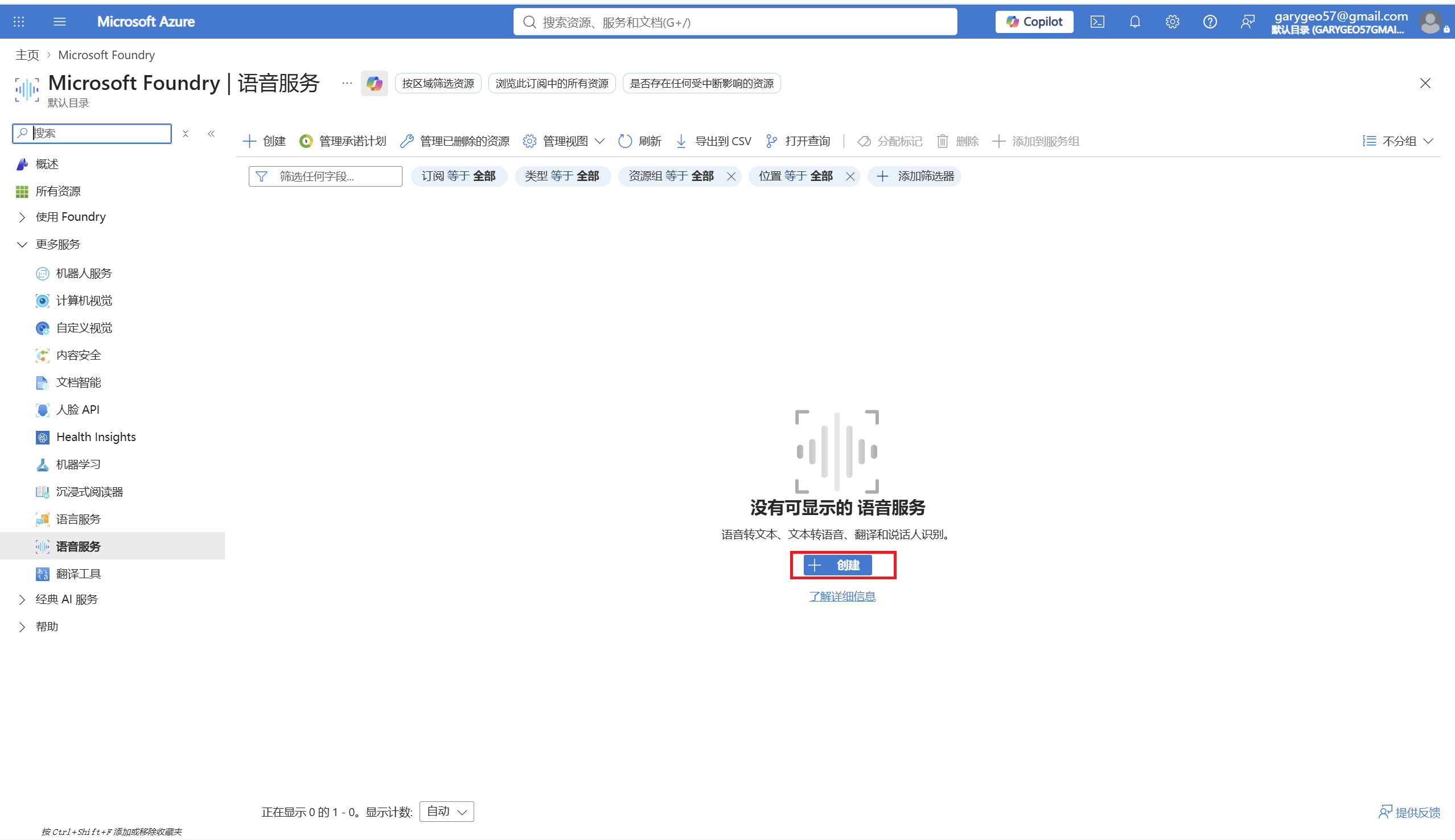
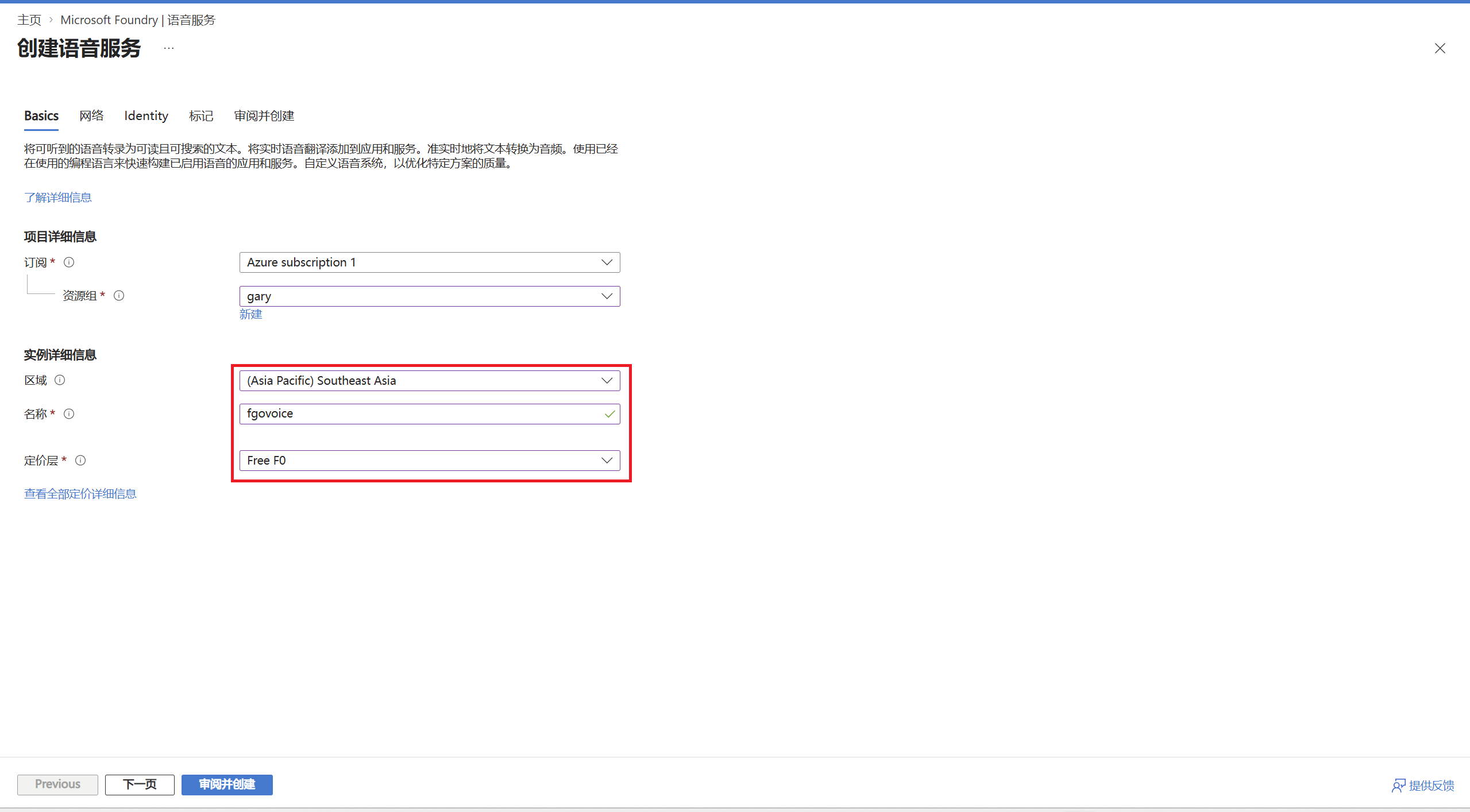
Fill in the resource settings
Use Southeast Asia.
southeastasiaThe Free F0 tier includes 500,000 neural-voice characters per month.
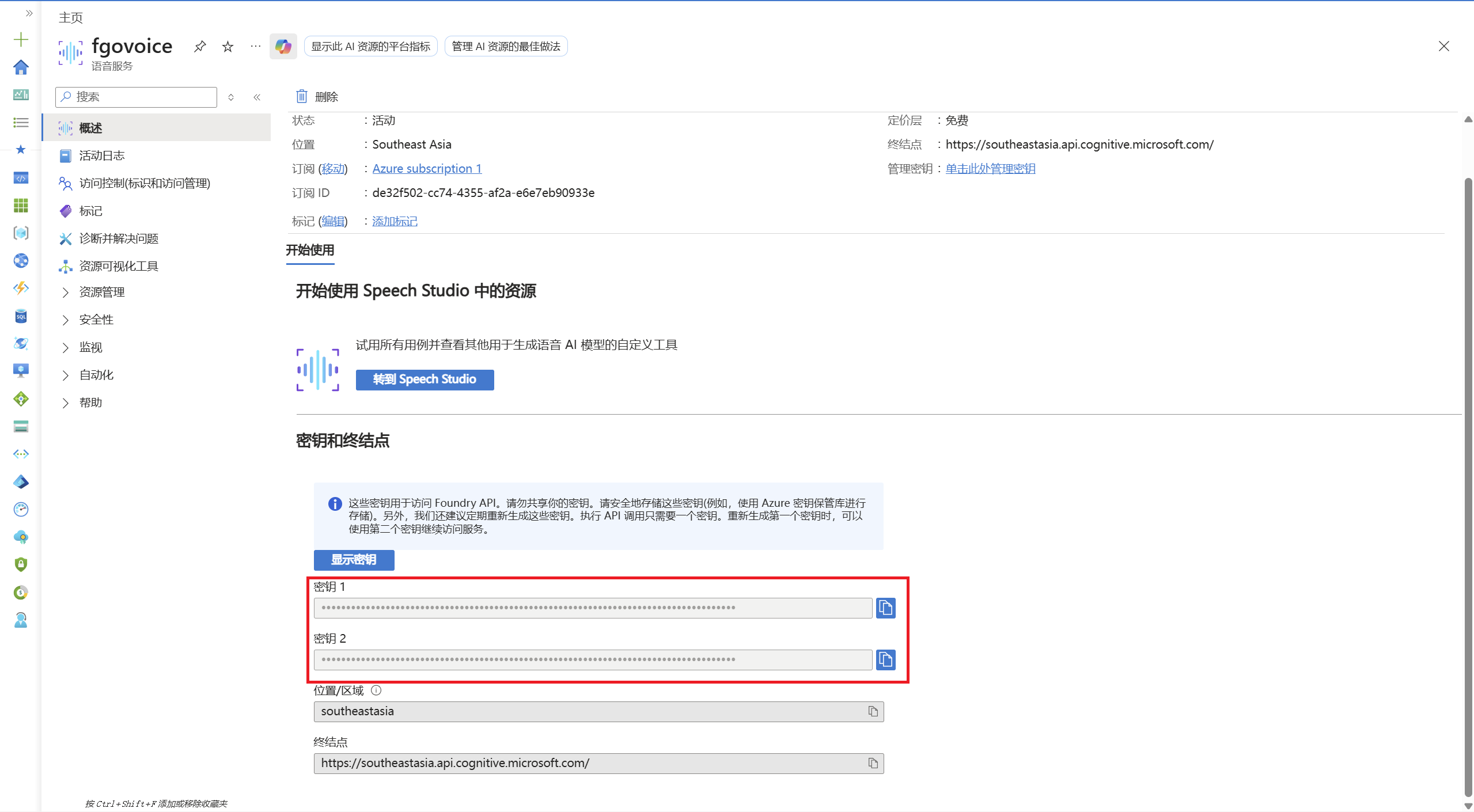
Copy the key
Once the resource is created, open Keys and Endpoint on the resource page and copy KEY 1 or KEY 2.
Enter it in FgoGotran
Open FgoGotran settings, go to voice settings, choose Global Azure as the region and paste the Azure Speech key.
Global Azure / southeastasiaTest the voice
Tap Test voice. If everything works you will hear Mash's test line, which means the key, region and Azure TTS are all working.
Mash Kyrielight, reporting. Master... combat preparation complete. Awaiting your orders.About Azure China
Azure China and global Azure are not the same entry point; the key, region and endpoint domain all differ.
If the page says you cannot sign in with a personal account, use an organization, work or school account instead, or go back to FgoGotran and use global Azure with southeastasia.
Portal
Azure China uses a separate portal.
https://portal.azure.cn/App region
If your Speech resource is in China North 3, choose Azure China in FgoGotran.
chinanorth3Common problems
If the voice test fails, start here.
The test says the key is empty
The Azure Speech key has not been entered yet, or was entered but not saved.
401 / 403 / authentication failed
Usually the key and region do not match, or a global Azure key is being used with an Azure China region.
Slow connections from mainland China
Test global Azure's southeastasia first. If your account belongs to Azure China, test chinanorth3 instead.
Free quota used up
Wait for the quota to reset next month, or decide whether to move to a paid tier using the Azure pricing page and your own budget.
Official sources
Azure's free quotas, portals and supported regions can change; open the official pages again before publishing.