

Azure Speech Guide
Azure 語音服務申請指南
全球 Azure 步驟
southeastasiaportal.azure.comAzure China
chinanorth3portal.azure.cn全球 Azure
建立或登入 Azure 賬戶
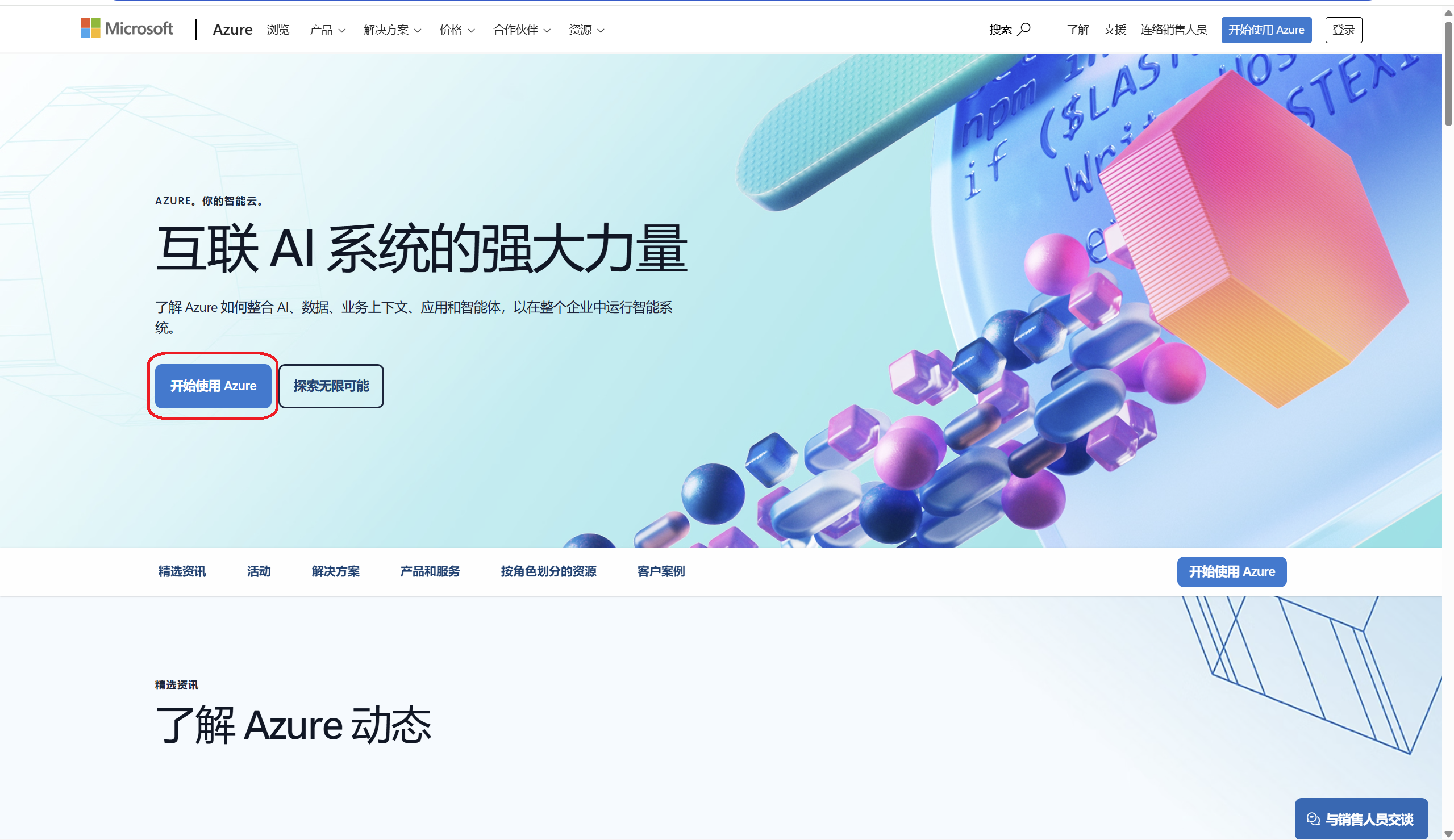
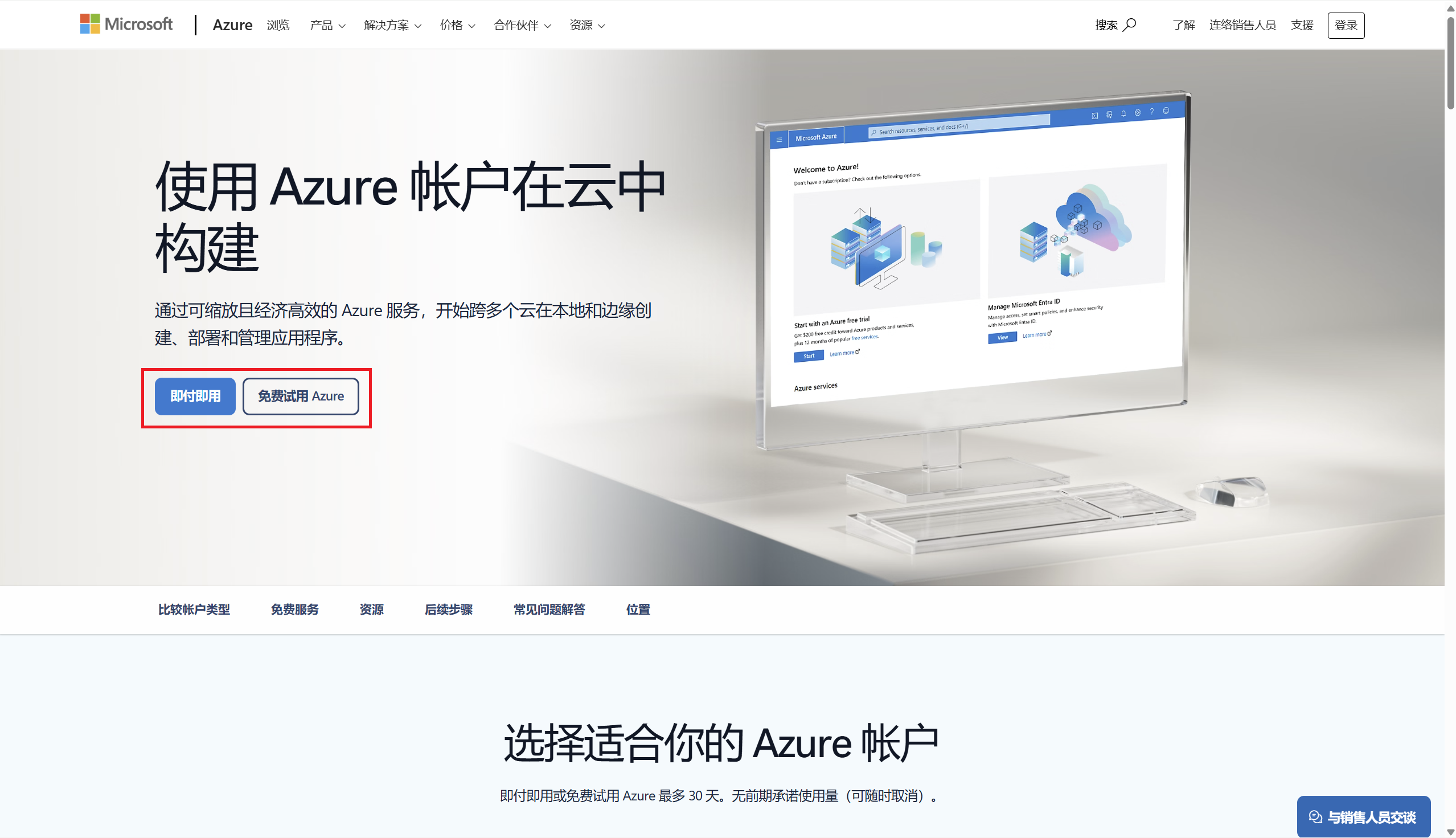
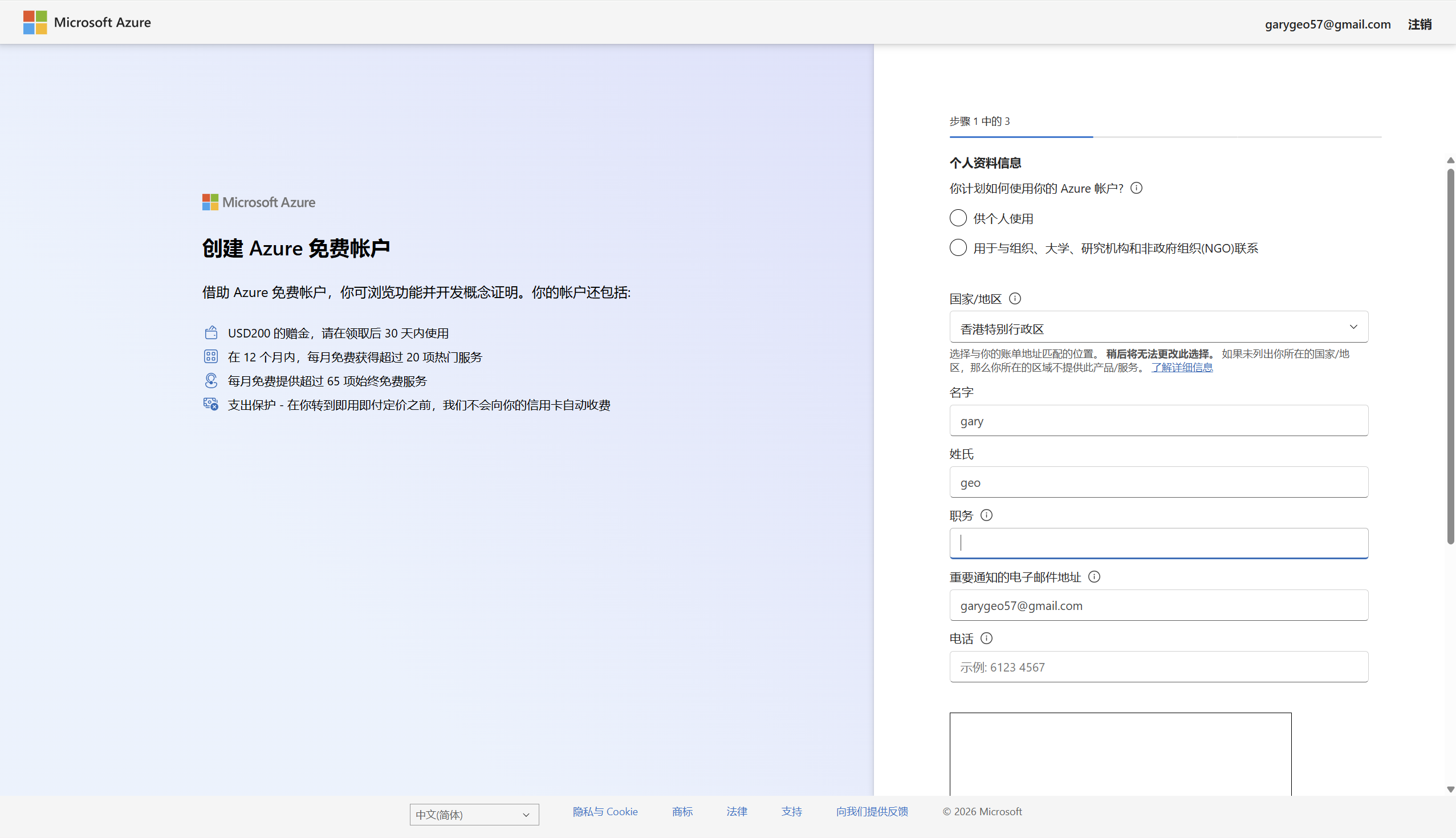
開啟Azure Global,選擇免費賬戶或即用即付賬戶。新使用者通常需要完成手機和支付方式驗證。
https://azure.microsoft.com/zh-cn
建立 Speech 資源
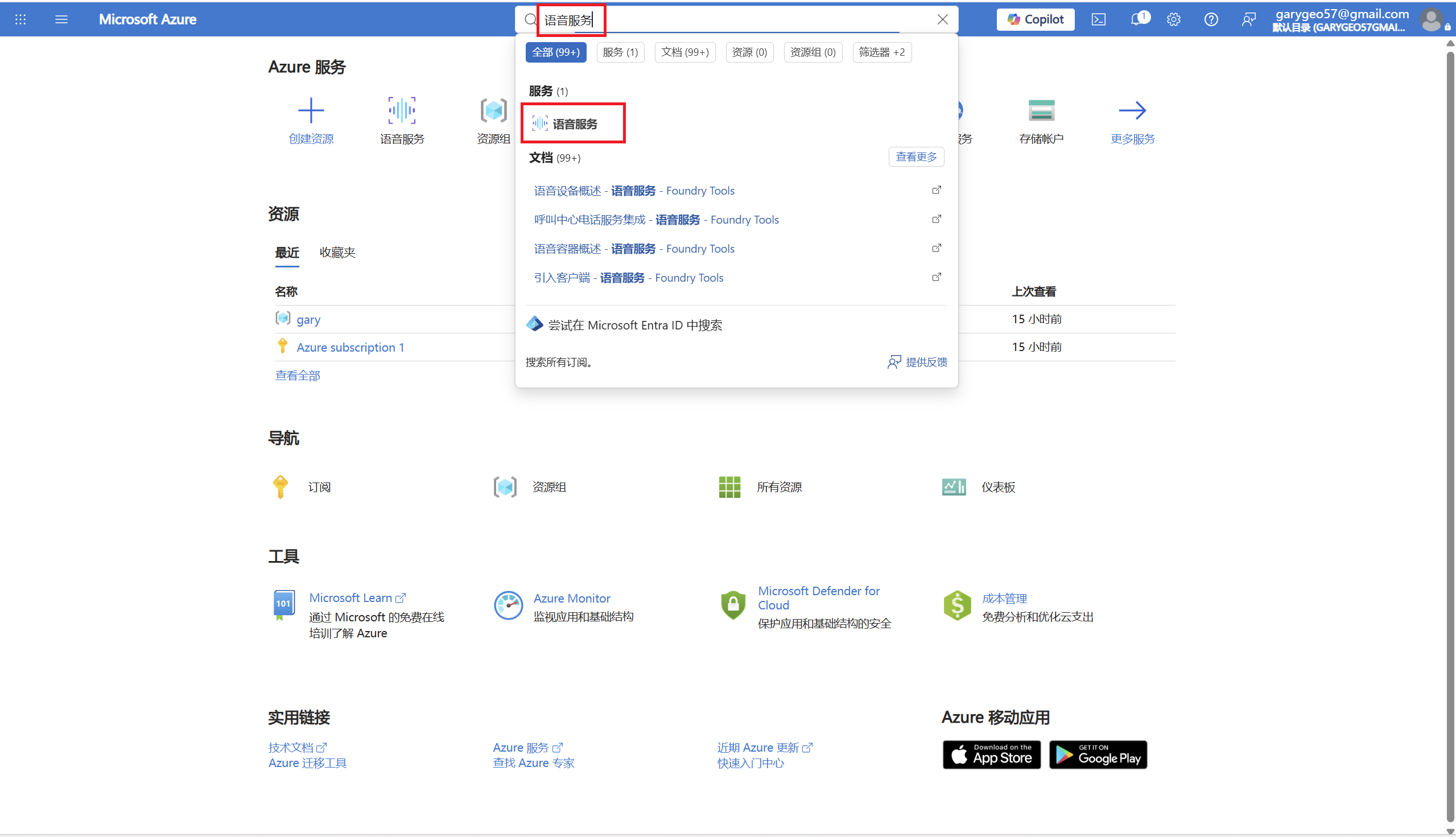
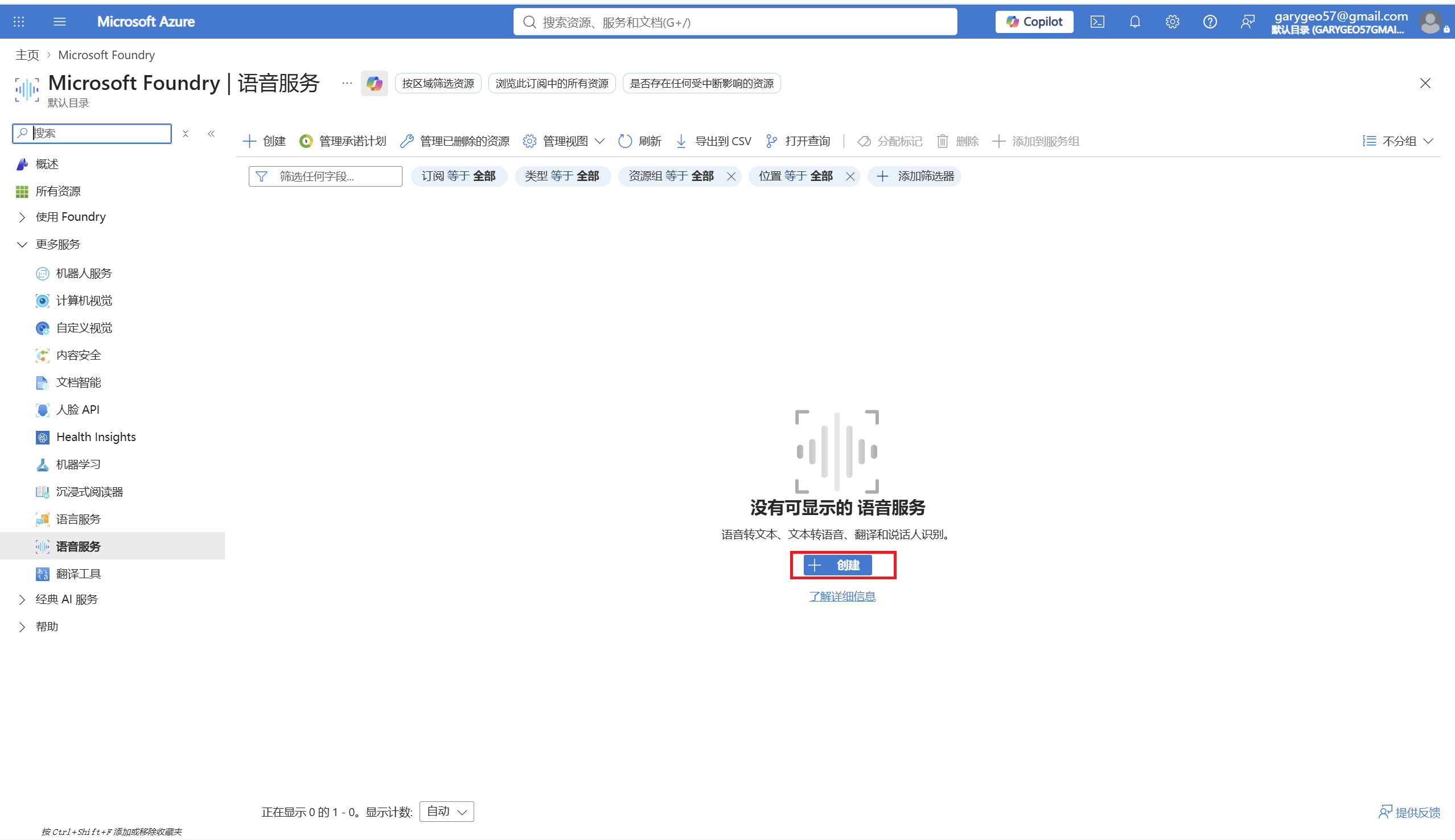
進入 Azure Portal,搜尋 Speech service 或 語音服務,建立一個語音資源。
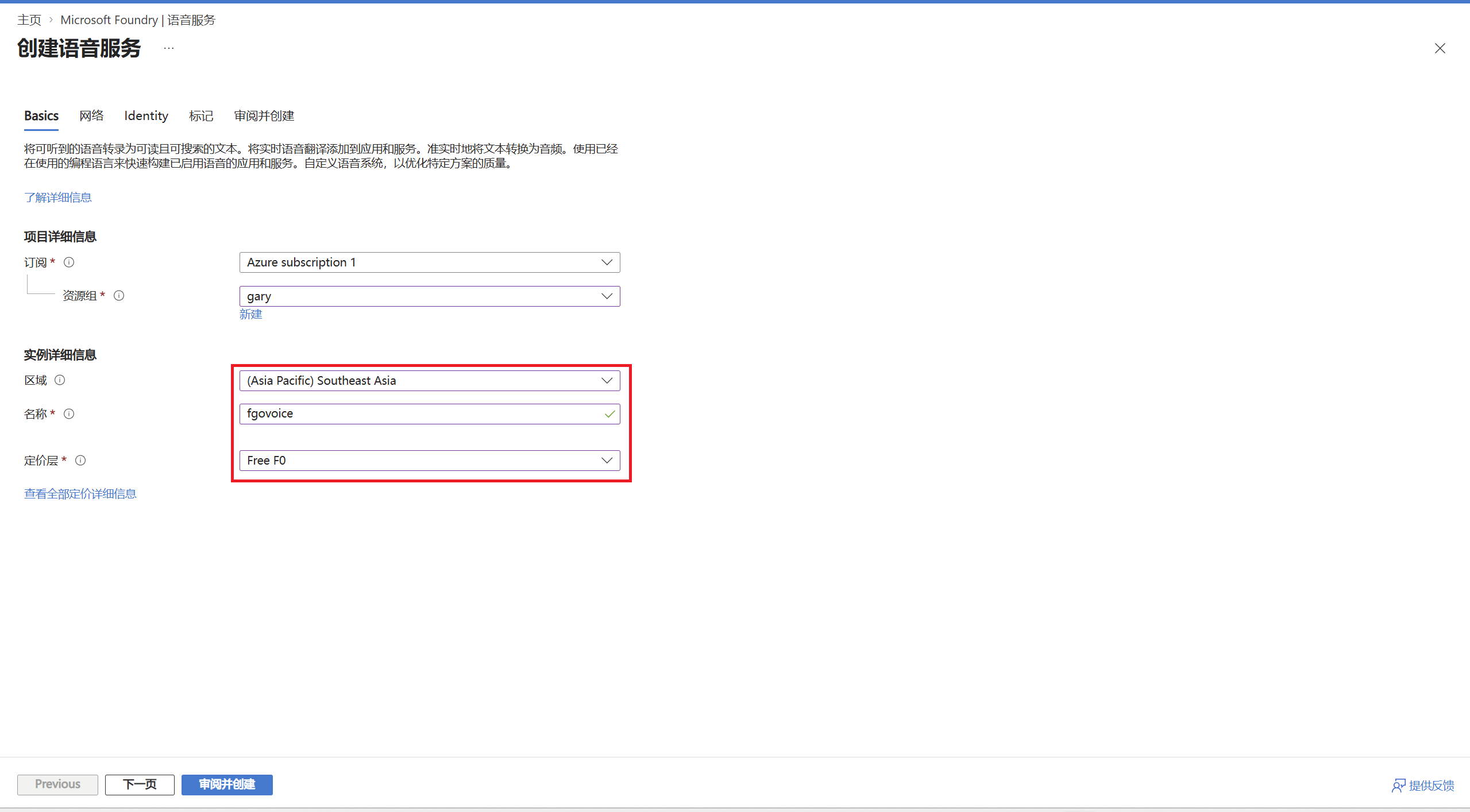
填寫資源清單
使用 Southeast Asia。
southeastasiaFree FO層每月包含50萬字符的神經語音額度。
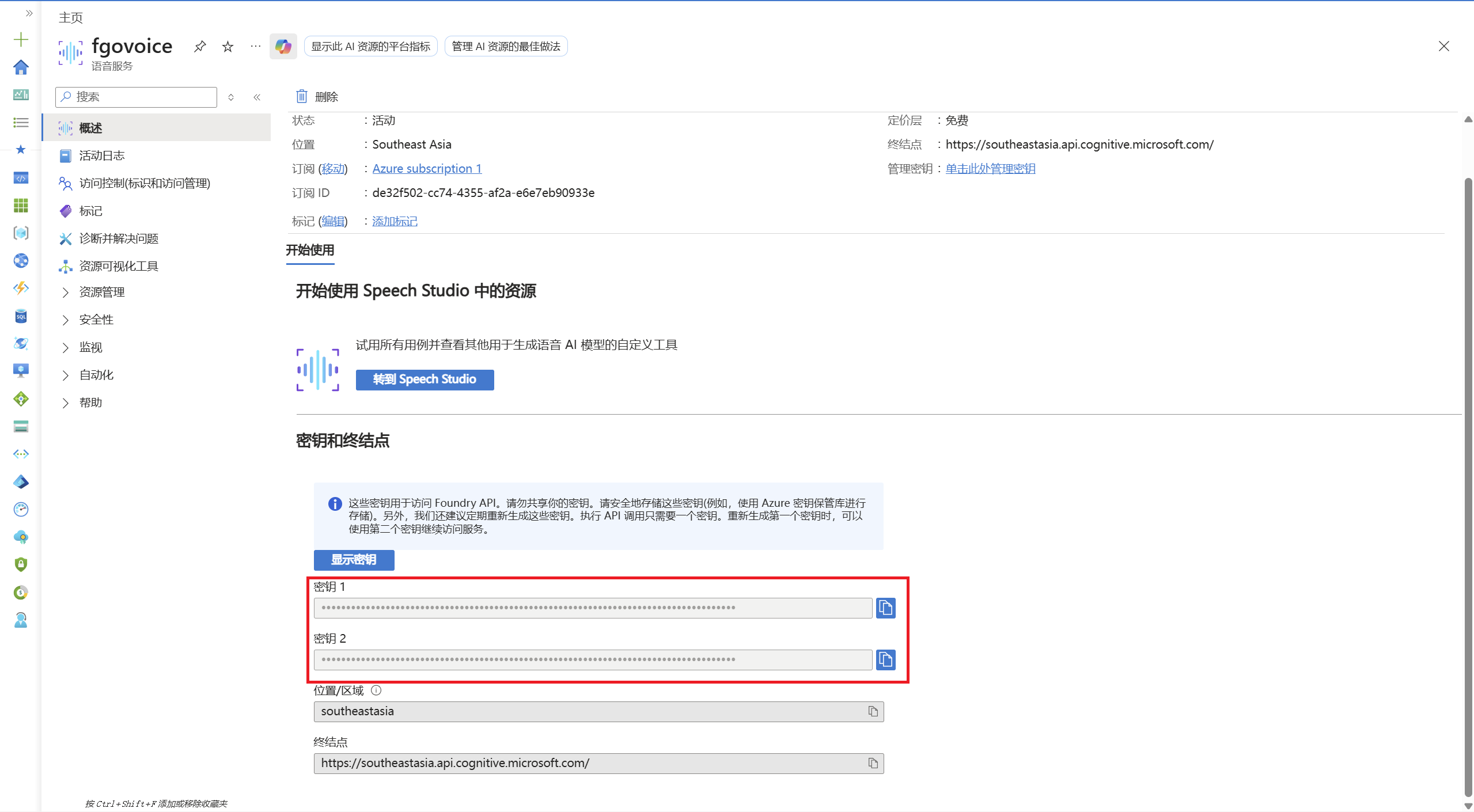
複製 Key
資源建立完成後,進入資源頁面的 Keys and Endpoint,複製 KEY 1 或 KEY 2。
填入 FgoGotran
開啟 FgoGotran 設定頁,進入語音設定,區域選擇全球 Azure,貼上 Azure Speech Key。
全球 Azure / southeastasia測試語音
點選測試語音。正常情況下會播放瑪修測試臺詞,代表 Key、區域和 Azure TTS 都可用。
瑪修・基列萊特,在此。御主……戰鬥準備完成,請下達指示。中國 Azure 說明
Azure China 和全球 Azure 不是同一個入口,Key、區域和介面域名也不同。
如果頁面提示不能用個人賬號登入,請改用組織、工作或學校賬號,或回到 FgoGotran 使用全球 Azure 的 southeastasia。
入口
Azure China 使用獨立門戶。
https://portal.azure.cn/App 區域
如果你的 Speech 資源建在 China North 3,FgoGotran 中選擇中國 Azure。
chinanorth3常見問題
測試語音失敗時,可以先按這裡排查。
測試提示 Key 為空
還沒有填寫 Azure Speech Key,或填寫後沒有儲存。
401 / 403 / authentication failed
通常是 Key 和區域不匹配,或把全球 Azure 的 Key 用到了 Azure China 區域。
中國大陸使用者連線慢
先測試全球 Azure 的 southeastasia。如果賬號屬於 Azure China,再測試 chinanorth3。
免費額度用完
等下個月額度重新整理,或按 Azure 價格頁和自己的預算決定是否繼續使用付費層。
官方來源
Azure 的免費額度、入口和支援區域可能變化,釋出前建議再開啟官方頁面確認。